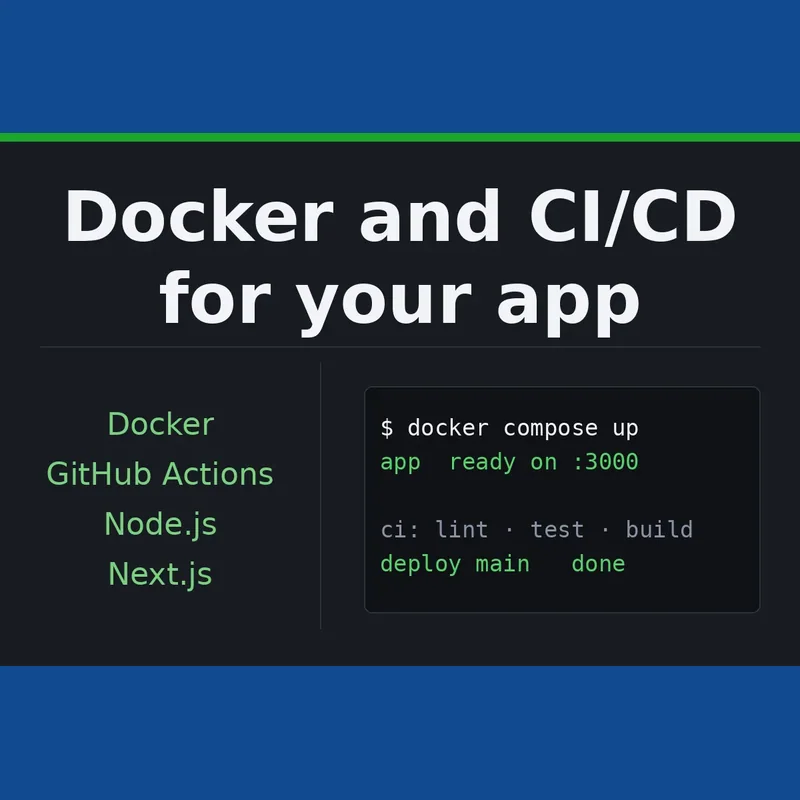
At present your application sits on a single machine and gets shipped manually. We package it into Docker, wire in a GitHub Actions or GitLab CI pipeline that checks and compiles the code on every push, and configure a deployment to your chosen server or platform straight from the repository.
- Starter: a production-ready Dockerfile, a compose file for running locally, a README, environment-variable configuration, 1 revision.
- Standard: Docker plus a CI pipeline, README, environment-variable configuration, 2 revisions.
- Advanced: Docker, CI and automatic deployment on merge, README, environment-variable configuration, 3 revisions.
When releasing software means running a list of remembered commands, this service turns that into something repeatable and hands-off. We first make the application reproducible, then automated, so the same image behaves identically on a developer's machine, inside the pipeline, and on the live server, with a merge to the main branch triggering the release.
The Starter tier delivers the container itself: a production Dockerfile, a compose file that brings up the app together with its database locally, and a README that lets a new team member start the project with a single command. The Standard tier layers on a pipeline that installs dependencies, lints, runs your test suite and compiles the image whenever code is pushed or a merge request is opened, using either GitHub Actions or GitLab CI depending on where your repository lives. The Advanced tier adds the deployment step itself: on merge to the main branch, the pipeline sends the build to your Linux server via SSH, or to a platform such as Railway or Fly.io running the same image, or passes a Next.js project to its own build system. Secrets and deploy tokens stay inside your CI platform's encrypted storage rather than in the codebase, and you receive documented rollback instructions.
Image size is kept down through multi-stage builds, containers run under a non-root user, and configuration is driven entirely by environment variables, letting one image serve both staging and production. This method applies equally to Node.js, Next.js, Rust services and static sites.
Our own public projects demonstrate the pipeline in practice: a storefront and a personal site are both built and shipped automatically on every push to main, with unit and browser tests running before deployment, since they are static they need no container. A separate open-source Rust library runs checks on every push and pull request covering formatting, linting, tests, minimum supported Rust version and dependency audits. Kubernetes manifests or a Helm chart can be added on request for teams already running that infrastructure.
No meetings are required. Everything is stored in your repository and documented, so the setup does not depend on us afterwards. For 14 days after delivery we correct anything that does not match what was agreed, at no extra cost.
How the project proceeds
1. Review - we run your application the way you currently do and note its dependencies, environment variables, database and build steps.
2. Containerise - a production Dockerfile and a local compose file, verified by building and launching the app on a clean machine.
3. Automate - dependency installation, linting, tests and image building inside your CI, triggered by pushes and merge requests, with caching to keep runs quick.
4. Ship - on the Advanced package, a job that deploys on merge to main, with credentials held in the CI platform's secret store and a documented rollback.
5. Hand over - a README section covering how to run, test and release the project, plus guidance for adding new environment variables or services.
What happens after you buy
Your order opens its own thread here the moment it is paid, and everything about that
order - questions, changes and the final report - happens in it.