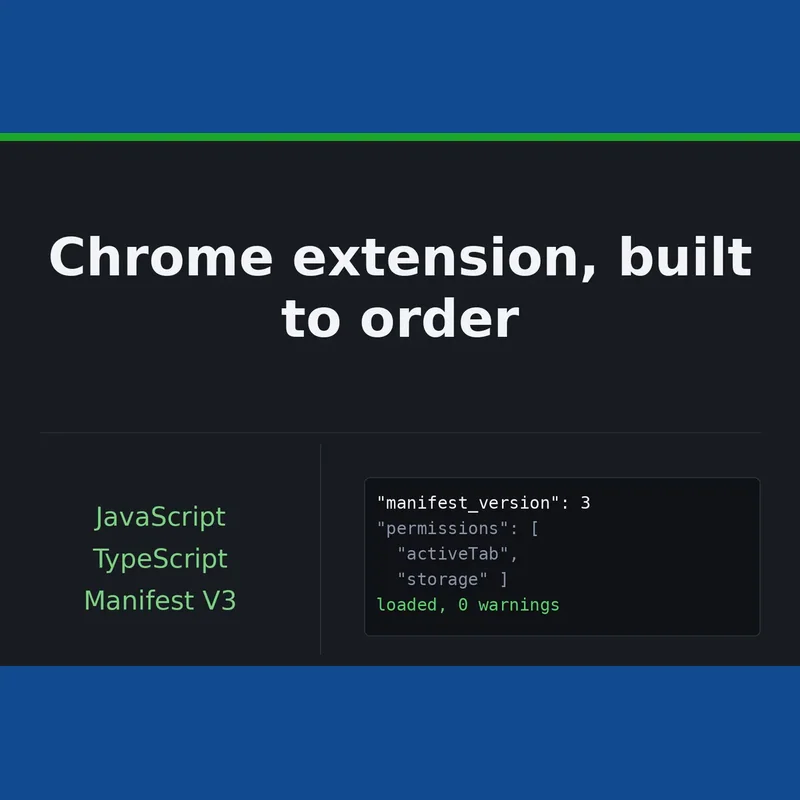
A browser add-on that handles one job cleanly: capturing what a user is viewing, pulling figures from a page, or giving a team a shortcut they reach for often. Built with JavaScript and TypeScript on Manifest V3.
| Package | Price (USD) | Delivery | What is included |
|---|
| Starter | 62.99 | 4 days | 1 screen or action, Chrome only, your own icon, a dev-mode build ready on day one, source code, 1 revision |
| Standard | 187.99 | 7 days | Up to 3 screens or actions, a settings page that retains its values, source code held in a repository, 2 revisions |
| Advanced | 375.99 | 14 days | Up to 5 screens, support for Firefox and Edge, source code, 3 revisions |
You will need to supply the domain the order relates to and a written brief covering what the extension should do.
This service suits teams whose daily work depends on web tools they cannot modify, but who want those pages to do one extra thing on their behalf. Manifest V3 is the format the Chrome Web Store now requires for new submissions, so every build starts there.
Every tier includes source code placed in your own repository, plus a build you can load from a folder in developer mode on day one, so you can try it before anything goes live. Starter handles a single screen or action; Standard extends this to up to 3 screens with settings that persist; Advanced goes up to 5 screens and adds Firefox and Edge support.
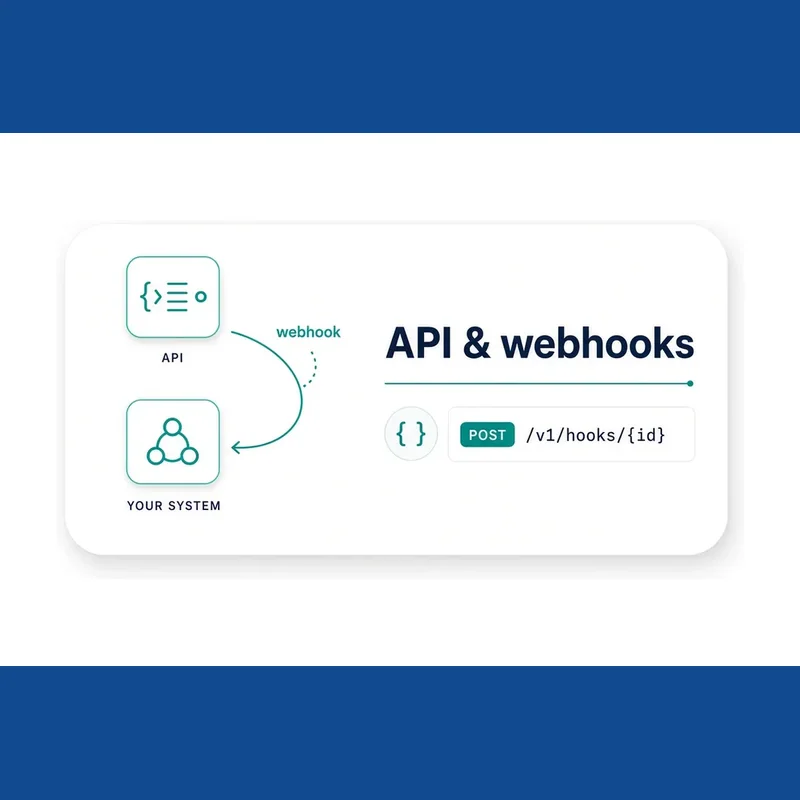
Common requests include a one-click form filler for repetitive tasks, or a panel that connects to your own API. Any screen outside the original brief is treated as extra work, either as an add-on or a fresh order.
Testing happens on a clean browser profile, and you receive a clear note on which permissions the extension requests and why. The Advanced tier also covers preparing a Chrome Web Store listing: description text, screenshots and a privacy note, submitted through your own developer account so ownership stays with you.
Work that would require someone else's login credentials, collect personal data without consent, or automate a service in breach of its own terms is declined upfront rather than partway through. All communication is handled in writing, with no calls.
How the project runs
- Scope agreed in writing: the brief is reviewed and the screens, target sites and required permissions are confirmed before coding starts. A panel that connects to your API is treated as more than one action.
- Dev-mode build on day one: the first screen or action is built and loaded from a folder in developer mode so you can test it directly on your own machine.
- Remaining screens and settings: the rest of the screens and, where applicable, the settings page are completed, with testing on a clean profile and a written update on each working day of a multi-day build.
- Permissions note and additional ports: every permission is explained, and on the Advanced tier the Firefox and Edge versions are tested and the Web Store listing materials prepared.
- Handover through your repository: source code is delivered with written instructions on loading, building and publishing from your own developer account.
What happens after you buy
Your order opens its own thread here the moment it is paid, and everything about that
order - questions, changes and the final report - happens in it.