Website development
AI assistant site readability check
A one-off review that reveals how AI assistants and crawlers interact with your website, delivered in 2 business days with a prioritised fix list.
$98.99PER ORDER
2 days

Website development · delivered in 2-5 days
Windows Server infrastructure does not have to be a barrier to running WordPress. Most WordPress builds sit on Linux with Apache or Nginx, but WordPress runs perfectly well on Internet Information Services (IIS) when it is configured correctly, and that configuration is what we deliver.
We work at the intersection of WordPress and Windows Server administration, an area that draws on 17 years of hands-on experience with both platforms. It is a narrower skill set than typical WordPress setup work, which is why this service exists as a dedicated offering.
Organisations already running Active Directory, .NET applications, MS SQL or operating under compliance requirements often prefer to keep everything on one platform rather than adding a separate Linux box purely to host WordPress. We deploy WordPress directly into your existing Windows environment, which keeps infrastructure simpler and easier to manage.
WordPress is installed under IIS with proper PHP handling through FastCGI, the MySQL database is created and connected, your chosen theme and plugins are installed, and URL rewrite rules are set up so permalinks work as expected — something IIS handles differently from Linux. SSL is configured wherever a certificate is on hand, and every build is checked for correct functionality before it is handed over.
IIS deployments need their own approach to tuning. We adjust PHP settings for IIS, configure output caching and compression, and make sure NTFS file permissions are set correctly. Hardening covers restricting directory browsing, securing admin access, and setting Windows Firewall rules.
For sites currently hosted on Linux that need to move onto a Windows environment, the top-tier package covers the whole migration: exporting and importing the database, transferring files, configuring IIS, converting rewrite rules, and cutting over DNS with minimal downtime.
This service is built on Windows Server experience and current Microsoft certification, aimed at businesses that need WordPress running reliably on Windows infrastructure.
Your order opens its own thread here the moment it is paid, and everything about that order - questions, changes and the final report - happens in it.
We work with Windows Server 2008 through to 2022, including Server Core installations.
Almost all plugins behave the same way regardless of the underlying server. The key difference is URL rewriting: Apache relies on .htaccess files, whereas IIS uses web.config. We handle all rewrite configuration as part of the setup.
Yes. WooCommerce runs on IIS in the same way as any other WordPress plugin, and we configure PHP settings and database tuning suited to e-commerce workloads.
Yes, a MySQL or MariaDB instance is required on the Windows server, and setting up the full database is included in every package.
Yes, SSL certificates are installed and configured through IIS, whether via Let's Encrypt automation or a certificate purchased from any provider.
Windows Server licensing carries a higher cost than Linux, but for businesses already running Windows infrastructure, adding WordPress to that same environment can work out cheaper than maintaining a separate Linux server.
A one-off review that reveals how AI assistants and crawlers interact with your website, delivered in 2 business days with a prioritised fix list.
PBN.LTD diagnoses and repairs apps built with AI tools such as Lovable, Bolt, Cursor and Base44, delivering a working fix within 3 business days.
Fast, focused fix for one bug or small feature in your Laravel or PHP project, delivered in 3 days.
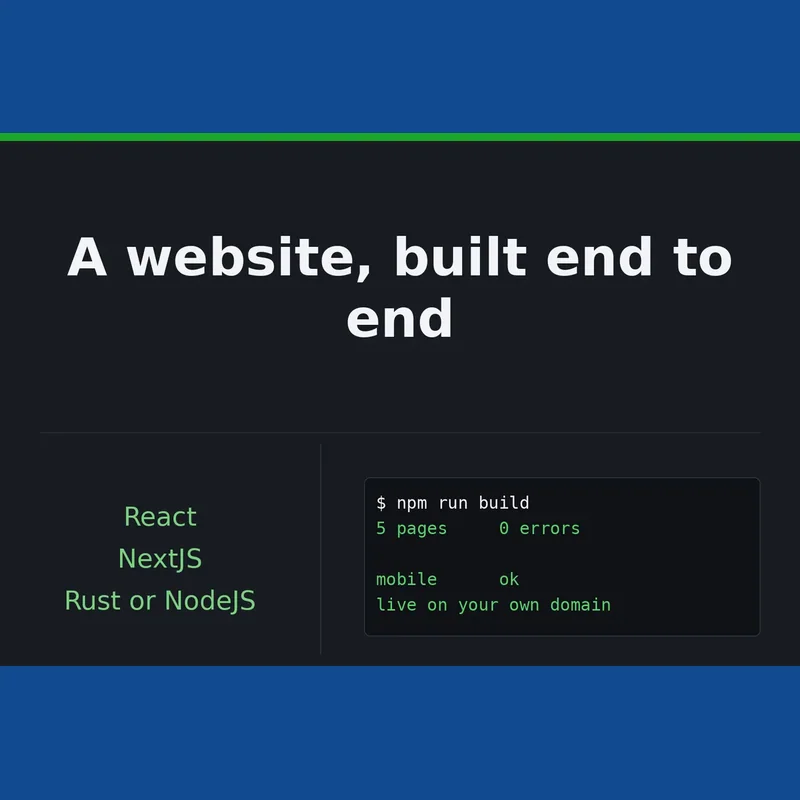
A fully responsive website built in React or Next.js, with a Rust or Node (TypeScript) backend where needed, delivered across three tiers from a single landing page up to a full web app with accounts and a database.
Mobile-friendly business websites built to your brief, from a 3-page starter through to a 10-page e-commerce-ready build with ongoing support.
We build custom Laravel web applications with admin panels, database design and clean code, delivered in 5 to 10 days depending on package.