Website development
Bug fix or small feature addition for Laravel or PHP project
Fast, focused fix for one bug or small feature in your Laravel or PHP project, delivered in 3 days.
$12.99PER ORDER
3 days
Website development · delivered in 2-8 days
Three ways to work with us, each measured before and after so you can see what changed.
To get started we need the domain the order applies to and a short brief describing what you want checked.
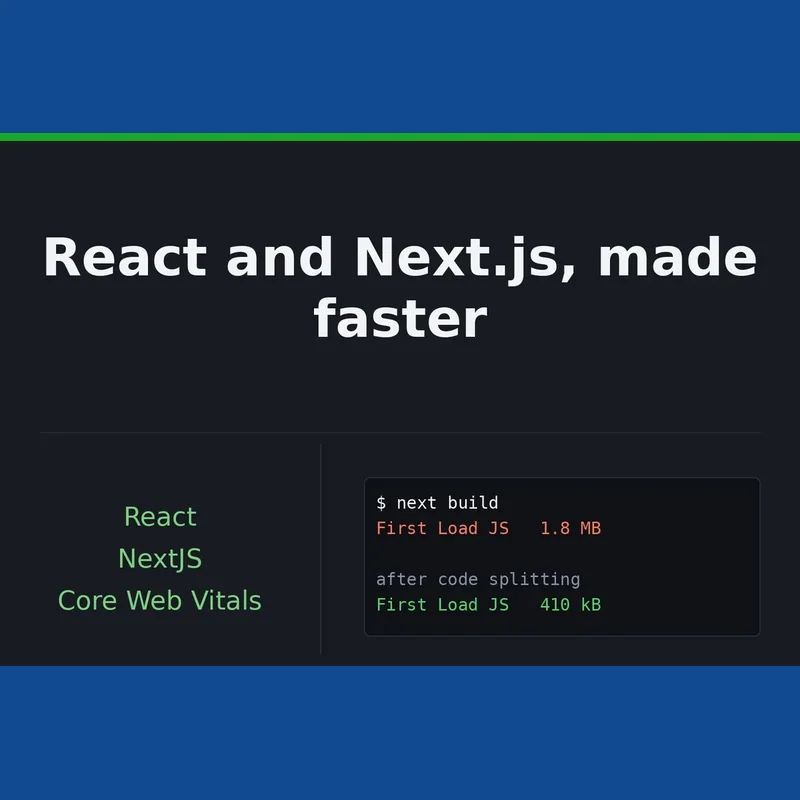
Choose this service if slow pages might be costing you signups or search visits, and you want to improve the app you already have rather than rebuild it. React and Next.js already give you most of what a fast site needs, so the wins usually come from using the framework properly rather than switching to something else.
You get concrete measurements rather than opinions: load speed, layout stability and responsiveness figures, along with bundle size for each route, captured on a throttled connection before work starts and again once it is done, laid out side by side in a table.
Starter covers an audit of a single page: the test runs, the findings sorted by how much they are worth fixing, and no code touched. Standard builds on that same audit and puts the remaining time into the fixes that move those figures. Advanced extends this across as many as 5 routes, tunes how pages render and cache, and leaves a bundle budget inside your CI pipeline so a future release cannot undo the improvements without anyone noticing.
All work is done on a branch in your own repository, one commit at a time, each explained. Nothing gets deployed on your behalf unless you ask.
There are no calls. Everything is put in writing, including any measurement that contradicts our own expectations.
Your order opens its own thread here the moment it is paid, and everything about that order - questions, changes and the final report - happens in it.
No, and be wary of anyone who promises a score before looking at your code. A single checkout widget or ad script can cap it regardless of what we do. The audit shows your realistic ceiling and what it would take to reach it.
Not really. Vite, CRA, Remix and plain single-page apps all profile the same way. Only the framework-specific fixes differ, such as route-level splitting and caching instead of Next.js rendering modes.
Yes, go straight to Standard. It begins with the same audit and then uses the remaining time to fix what it finds. Starter suits teams who plan to do the work themselves and just need direction.
The audit picks this up too: server response time is reported separately from rendering and script costs. Profiling the API or database queries is available as an add-on, in Node, Express, NestJS or Rust.
Read access to your repository, or an archive of the source, plus the page URL. For Standard and Advanced we push fixes to a branch, so we need permission to create one; otherwise we can send a patch instead. Deploy access is never required.
By default on your live production pages, so the figures reflect what your users actually experience. If a page sits behind a login or isn't live yet, a staging link, test account or local run instructions all work, and the report notes which source the numbers came from.
Fast, focused fix for one bug or small feature in your Laravel or PHP project, delivered in 3 days.
A fully responsive website built in React or Next.js, with a Rust or Node (TypeScript) backend where needed, delivered across three tiers from a single landing page up to a full web app with accounts and a database.
Mobile-friendly business websites built to your brief, from a 3-page starter through to a 10-page e-commerce-ready build with ongoing support.
We build custom Laravel web applications with admin panels, database design and clean code, delivered in 5 to 10 days depending on package.
A custom, responsive website built with React, HTML5 and Tailwind CSS, tailored to your business, portfolio or brand.
Custom-built responsive websites using Next.js, HTML, JavaScript, Node.js or Laravel, deployed on Vercel and shaped around your business goals.