Your hosting account, on your phone
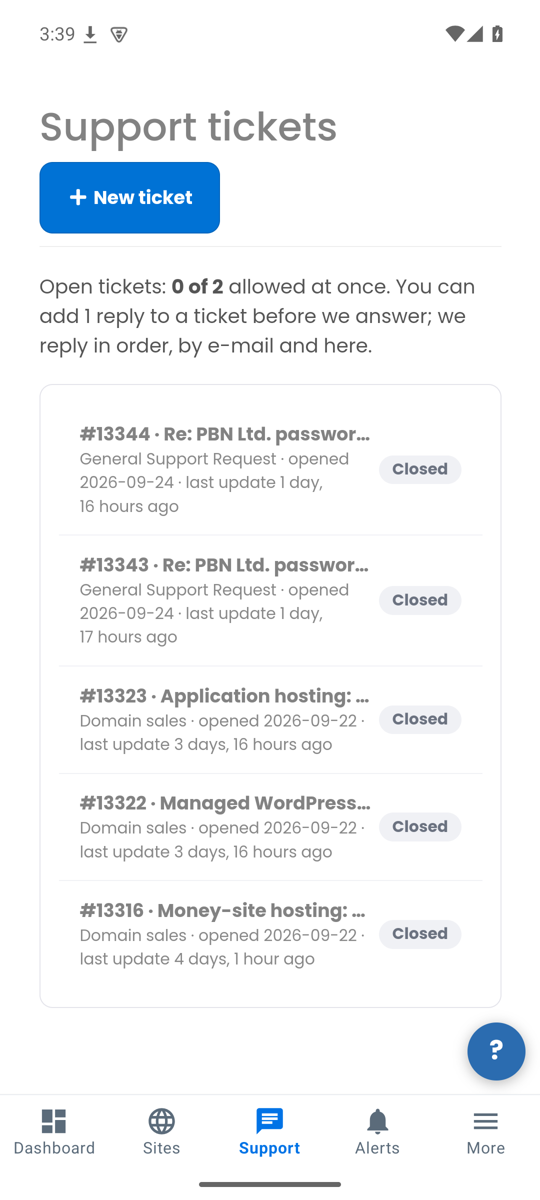
PBN.LTD Hosting puts your sites, your support tickets and your account alerts on your phone. Know the moment a site goes down or support replies.
Scan this with
your phone.
Install it in three steps
- Download the app
Tap Download for Android on your phone. Your browser saves the file (it ends in .apk).
- Allow the install
Android asks once whether your browser may install apps. Tap Settings, switch on "Allow from this source", then go back.
- Open and sign in
Open the downloaded file, tap Install, then open PBN.LTD Hosting and sign in with your usual email and password.
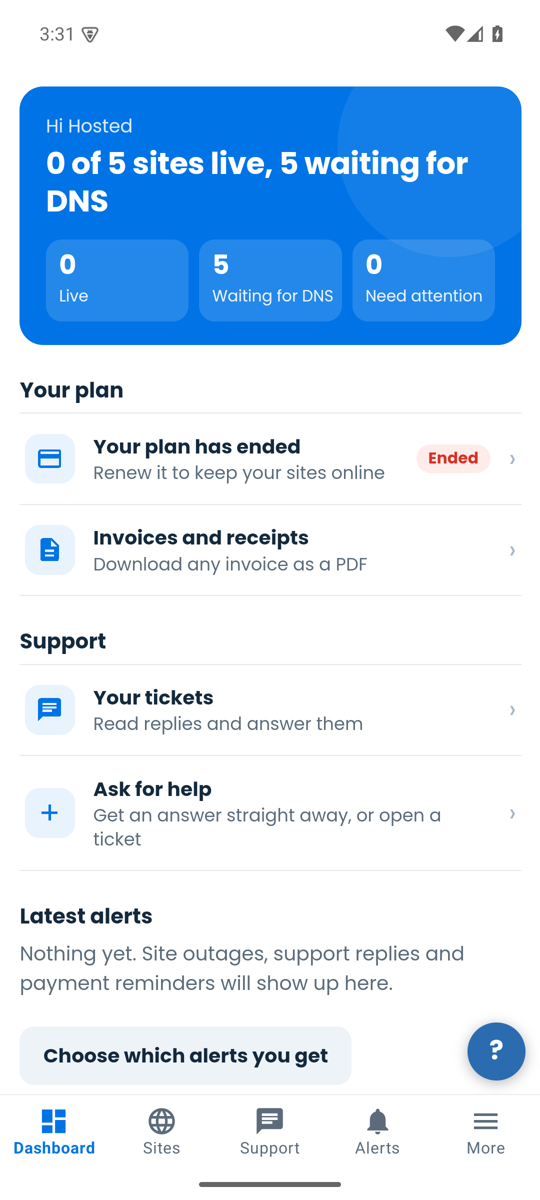
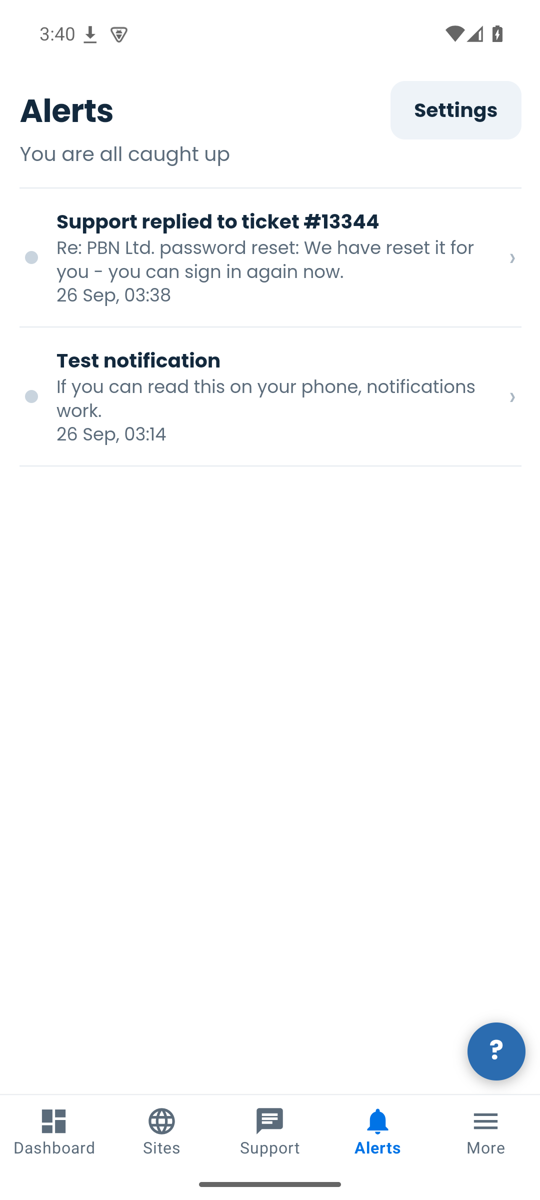
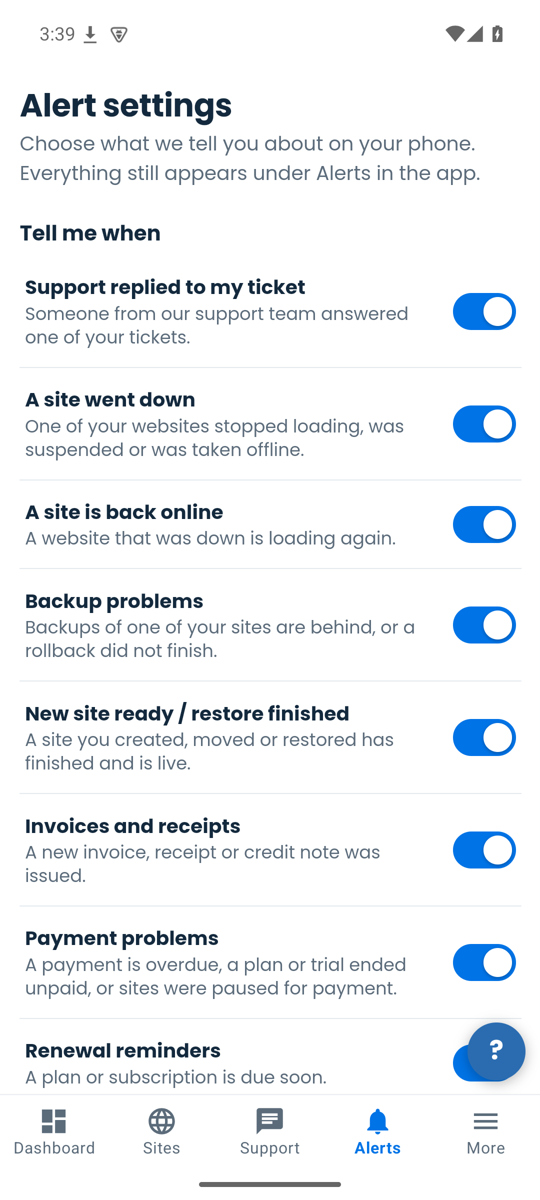
What you can do in the app
Screens
iPhone
The iPhone app is on its way to the App Store. Until it arrives, open app.pbn.ltd in Safari: every page works on a phone.
Version 1.0.0 (1), published 26 September 2026.
Needs Android 7 or newer. The app tells you when a new version is ready.
SHA-256 of the file: e9b97f84ba04b5dfaff7ff938782b5d6de1b075cc34b5dafc05d46afb67e1f79